What is tattoo booking software?
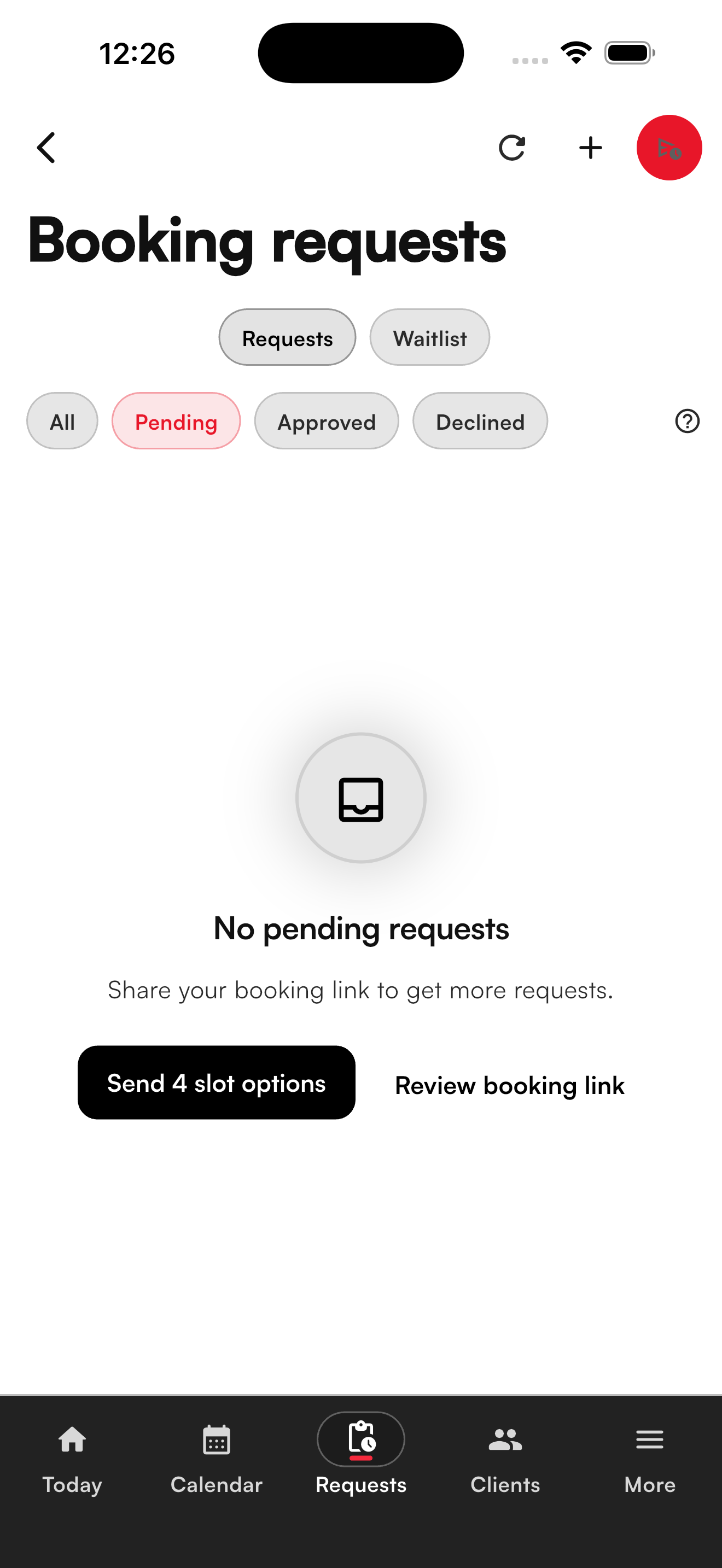
Tattoo booking software should help artists collect project requests, review references and placement, offer appointment times, collect deposits, send reminders, and keep client history in one place. For custom tattoo work, clients need to describe the piece before the artist commits calendar time.
Who is Affichr for?
Affichr is for tattoo artists and studios that review custom work before booking. It fits shops that need intake forms, reference images, artist-picked slot options, deposits, reminders, cancellation fills, consent records, design approval, and client notes beside the same calendar.
How does Affichr handle tattoo booking requests?
A client sends project context first. The artist reviews the request, accepts, declines, asks for more detail, or sends up to four artist-picked times. Deposit status, reminders, cancellations, client history, consent records, and private design links stay with the booking instead of getting scattered across DMs.
Managing a team is a separate job.
For a multi-artist operation, see Affichr’s tattoo shop management software: Studio mode adds a public studio booking page, artist invitations, request routing, role-aware visibility, and cancellation broadcasts.
Can Affichr support deposits and reminders?
Yes. Affichr keeps reviewed booking requests beside Stripe deposit status, appointment reminders, cancellation fills, and follow-up. The deposit does not float as a loose payment link; the shop can see it with the request, confirmation state, and appointment history.
Plain schedulers ask for the time too early.
Most booking tools are built around open calendar slots. Tattoo work starts earlier: idea, placement, style, references, budget, preferred windows, review, and only then a real appointment.
What Affichr handles
- Collect project details, references, body placement, budget, and preferred dates before time is held.
- Let the artist accept, decline, ask for more, or send up to 4 artist-picked slot options.
- Attach Stripe deposit status, reminders, and client follow-up to the booking.
- Keep consent records, private design approvals, notes, and history with the client record.